

As I’m re-writing this site in Astro, I’m re-implementing features such as Webmentions 1. Webmentions are a web standard that enables cross-site interactions including likes, replies, bookmarks, and reposts. This article walks through setting up an automated workflow that retrieves new Webmentions on a schedule, stores them as JSON files, and opens pull requests for review. This automation is largerly powered by a Node.js script and GitHub Actions. The goal of this workflow is to keep the Webmention data that is displayed relatively up-to-date while also having moderation in place before any any unreviewed content can become visible.
Displaying Webmentions
Webmentions on this site appear near the bottom of each article as avatars for likes, reposts, and bookmarks, and as comments for replies and mentions.
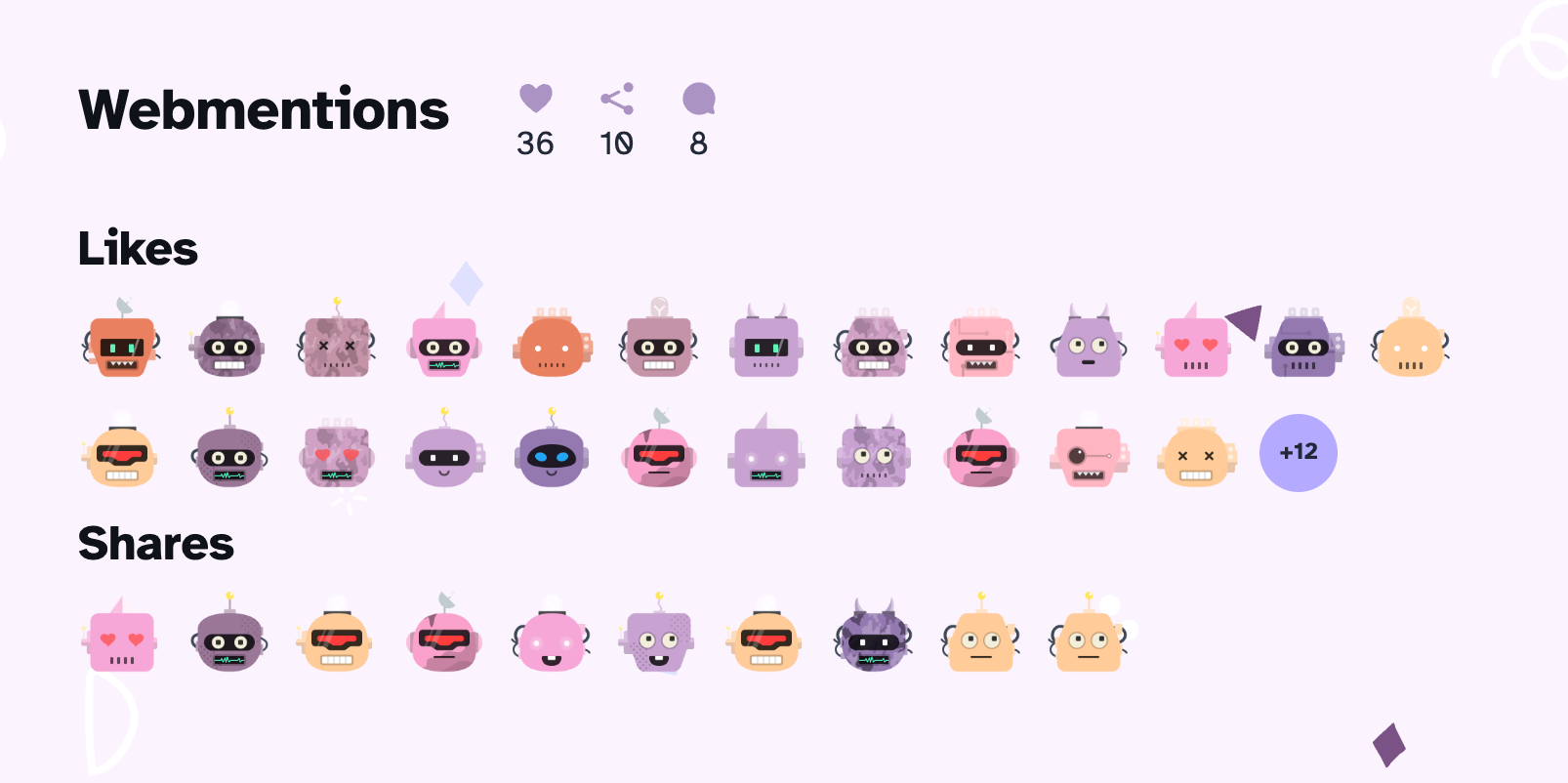 Avatars for likes and shares — each generated from the Webmention author’s profile
The "wm-property" field in each Webmention’s metadata determines how it will be displayed. For "like-of", "repost-of", and "bookmark-of", only the author avatar is shown. Whereas, when the type of "wm-property is "in-reply-to" or "mention-of", then response includes a "content" field with the actual text, so both the avatar and the text are rendered.
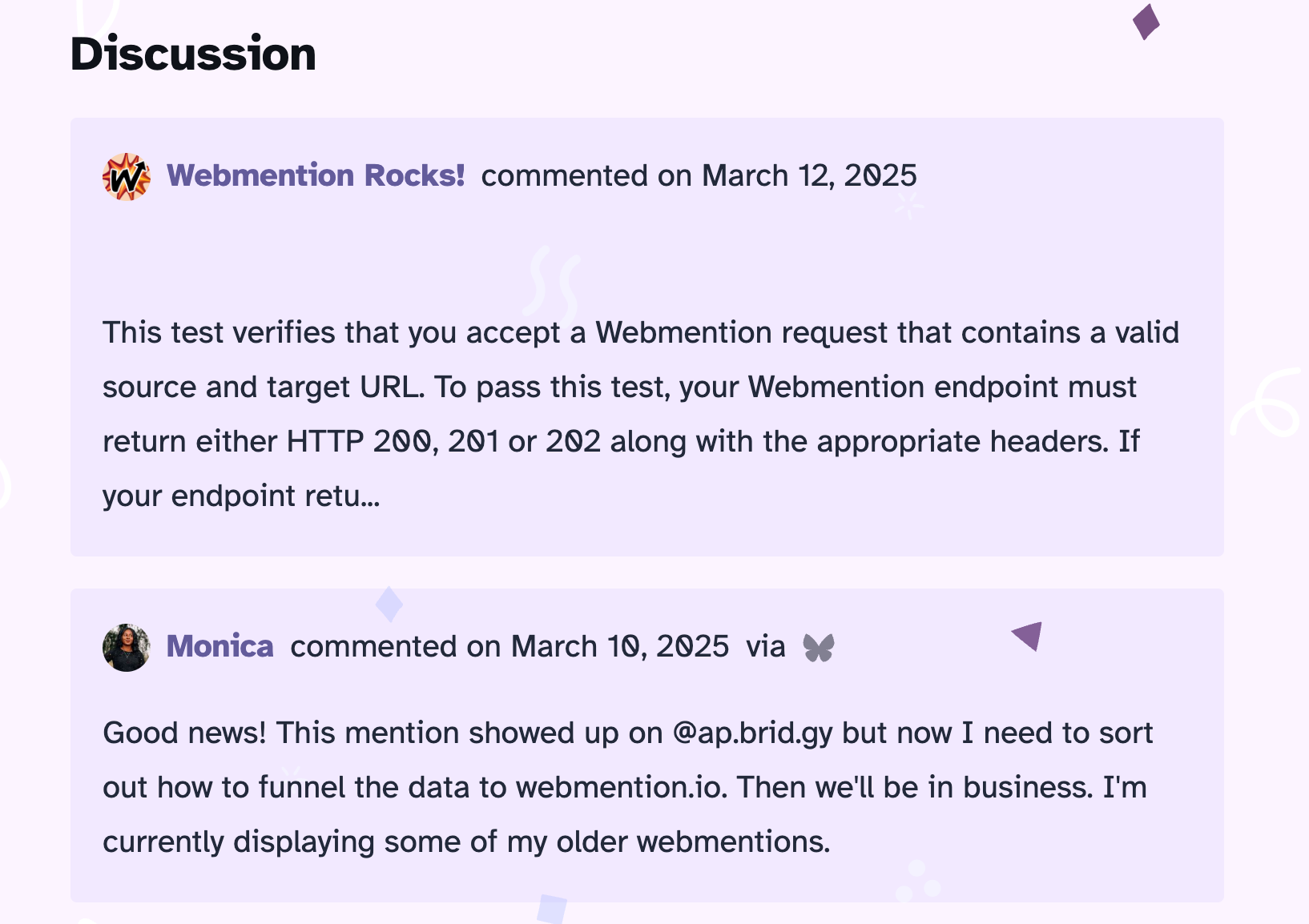 Threaded comments from replies and mentions
Example webmention.io data for a “Like”
{
  "type": "entry",
  "author": {
    "type": "card",
    "name": "Katherine Johnson",
    "url": "https://example.com",
    "photo": "https://example.com/avatar.jpg"
  },
  "url": "https://example.com/posts/liked-post",
  "published": "2025-04-24T12:00:00-04:00",
  "wm-received": "2025-04-24T12:01:00-04:00",
  "wm-id": 123456,
  "wm-source": "https://example.com/posts/liked-post",
  "wm-target": "https://targetsite.com/original-post",
  "wm-property": "like-of",
  "wm-private": false,
  "like-of": "https://targetsite.com/original-post"
}
Example webmention.io data for a “Reply”
{
  "type": "entry",
  "author": {
    "type": "card",
    "name": "Katherine Johnson",
    "url": "https://example.com",
    "photo": "https://example.com/avatar.jpg"
  },
  "url": "https://example.com/posts/reply-to-post",
  "published": "2025-04-24T12:05:00-04:00",
  "content": {
    "text": "Really enjoyed your post—this part about webmentions was especially helpful!"
  },
  "in-reply-to": "https://targetsite.com/original-post",
  "wm-received": "2025-04-24T12:06:00-04:00",
  "wm-id": 123457,
  "wm-source": "https://example.com/posts/reply-to-post",
  "wm-target": "https://targetsite.com/original-post",
  "wm-property": "in-reply-to",
  "wm-private": false
}
Setting Up the Webmention Pipeline
A few years ago, I was pair programming with Jason Lengstorf on Twitch to add Webmentions to a Next.js site. During the stream we used two Webmention related services:
- Webmention.io to receive and store incoming Webmentions.
- Brid.gy to retrieve Webmentions from
TwitterBlueSky.
I still recommend both of these services, especially if you’re interested in being able to capture Webmention data from social media sites. Instead of maintaining a custom Webmention receiver endpoint, these third-party services handle the infrastructure. For those interested in a self-hosted alternative, a couple of developers have written about their approaches:
- Adding Webmention Support from Scratch by Dwayne Harris
- Building my own webmention receiver by James
Getting started with webmention.io just requires adding two lines to the site’s <head> to advertise the endpoint:
 <link rel="webmention" href="https://webmention.io/username/webmention" />
 <link rel="pingback" href="https://webmention.io/username/xmlrpc" />
Writing the Fetch Script
Brid.gy and Webmention.io are used to remotely store and retrieve the Webmention while GitHub Actions handles the automation layer of exporting Webmention data and creating a persistent backup to enable displaying the Webmention data on the site without any client-side API calls.
Since this is a static site, the goal is to fetch Webmentions only at build time with no client-side data fetching. The solution is based on Peter Goes’ approach, which opens a PR for each batch of new mentions. This process makes review easy before anything goes live. Webmention.io also supports deleting mentions and blocking specific domains for additional moderation needs. The script and config below are derivatives of Peter Goes’ work, with dependency updates and a few workflow tweaks.
The script lives at automations/store-webmentions.js and can run locally or via GitHub Actions to retrieve recent Webmentions from Webmention.io.
const apiEndpoint = "https://webmention.io/api/mentions.jf2";
const apiOptions = [
  `token=${process.env.WEBMENTION_API_KEY}`,
  "per-page=10000&",
  `since=${since.toISOString()}`,
];

fetch(`${apiEndpoint}?${apiOptions.join("&")}`)
  .then(convertResponseToJson)
  .then(checkDataValidity)
  .then(get("children"))
  .then(filter(targetIsNotHomepage))
  .then(forEach(writeMentionToFile));
Each mention is then saved to mentions/ at the project root, in a subfolder matching the article’s URL path, named by its "wm-id".
const targetFolder = path.join(process.cwd(), "mentions");
function writeMentionToFile(mention) {

  const outputFolder = path.join(targetFolder, target);

  mkdirp.sync(outputFolder);

  fs.writeFileSync(
    path.join(outputFolder, `${id}.json`),
    JSON.stringify(mention, null, 2),
    { encoding: "utf-8" },
  );
}
View full script to fetch Webmentions from Webmention.io
import fs from "fs";
import path from "path";
import fetch from "node-fetch";
import filter from "lodash/fp/filter.js";
import get from "lodash/fp/get.js";
import forEach from "lodash/fp/forEach.js";
import { mkdirp } from "mkdirp";
import dotenv from "dotenv-save";

dotenv.config();

/* fetch webmentions from the past week
   in case there was a delay in webmention.io
   receiving webmentions or a disruption
   in running this script */
const since = new Date();
since.setDate(since.getDate() - 7);

const domain = YOUR_DOMAIN_NAME;
const targetFolder = path.join(process.cwd(), "mentions");
const apiEndpoint = "https://webmention.io/api/mentions.jf2";
const apiOptions = [
  `token=${process.env.WEBMENTION_API_KEY}`,
  "per-page=10000&",
  `since=${since.toISOString()}`,
];

fetch(`${apiEndpoint}?${apiOptions.join("&")}`)
  .then(convertResponseToJson)
  .then(checkDataValidity)
  .then(get("children"))
  .then(filter(targetIsNotHomepage))
  .then(forEach(writeMentionToFile));

function convertResponseToJson(response) {
  return response.json();
}

function checkDataValidity(data) {
  if ("children" in data) return data;

  throw new Error("Invalid webmention.io response.");
}

function targetIsNotHomepage(mention) {
  const targetUri = mention["wm-target"].replace(domain, "");
  return targetUri !== "/" && targetUri !== "";
}

function writeMentionToFile(mention) {
  const id = mention["wm-id"];
  const target = mention["wm-target"]
    .replace(domain, "")
    .replace("https://www.", "")
    .replace("https:/", "")
    .split("#")[0]
    .split("?")[0];

  const outputFolder = path.join(targetFolder, target);

  mkdirp.sync(outputFolder);

  fs.writeFileSync(
    path.join(outputFolder, `${id}.json`),
    JSON.stringify(mention, null, 2),
    { encoding: "utf-8" },
  );
}
With data stored per article path, src/components/Webmentions.astro can query the webmentions collection by slug to load only the relevant mentions:
const { slug } = Astro.props;


const webmentions = await getCollection("webmentions", ({ id }) => {
  return Boolean(id.includes(slug));
});
Automating the Script with GitHub Actions
To keep Webmention data current without manually re-running the script, a GitHub Action runs on a schedule to fetch new mentions, writing each mention to its own JSON file, and opening a pull request with the changes.
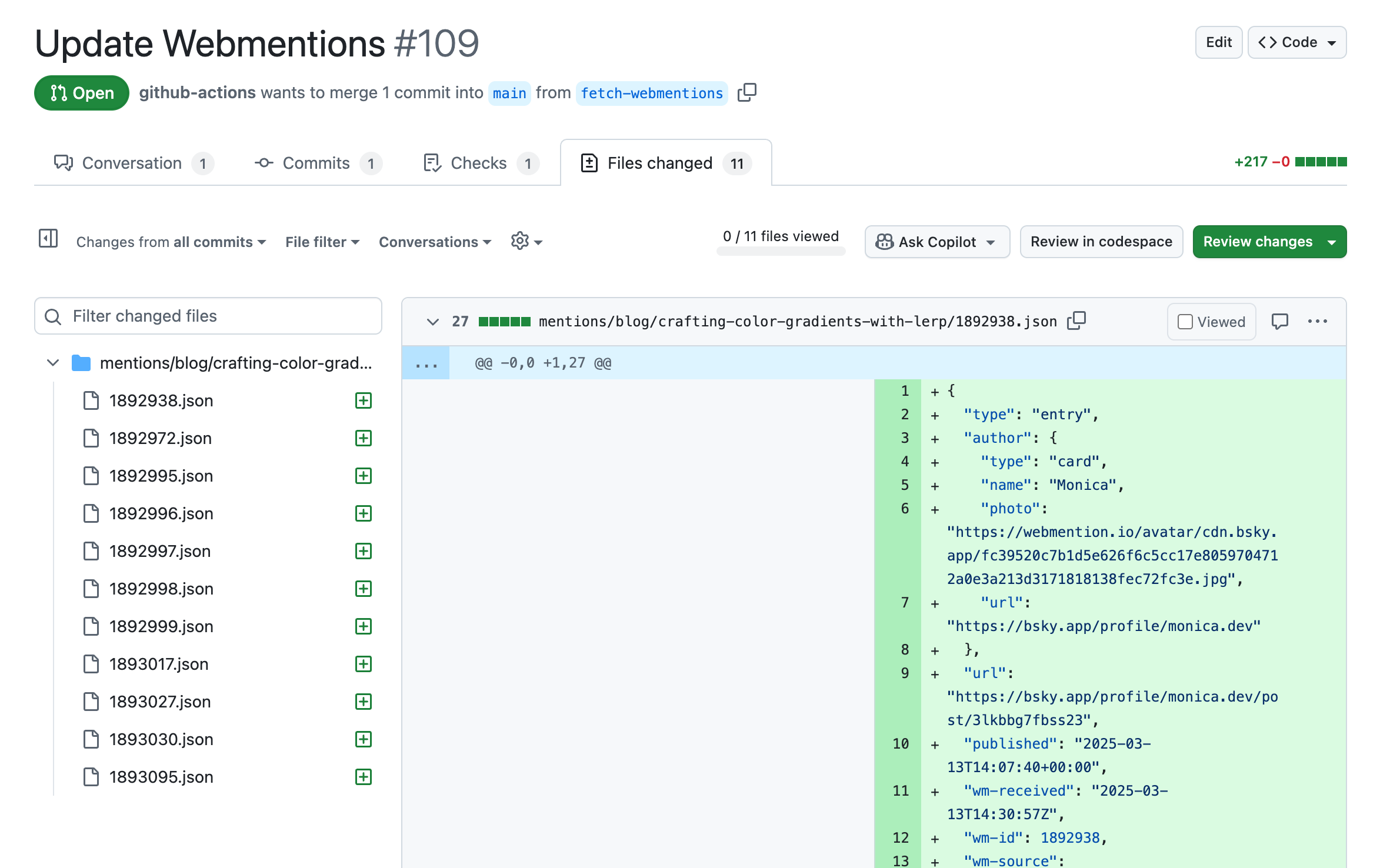 Example PR opened by GitHub Action that contains JSON associated with 11 new Webmentions
The Action lives at .github/workflows/webmentions.yml and runs on a cron schedule every 2 hours. A future refinement could trigger only on new Webmentions. Webmention.io supports webhooks which could be configured to send a POST request each time a verified mention is received.
on:
  workflow_dispatch:
  schedule:
- cron: "0 0/2 * * *" # every 2 hoursThe first few steps of the GitHub Action is installing dependencies and creating an environment variable for the Webmentions script to access.
 steps:
      - name: Check out repository
        uses: actions/checkout@v4
      - name: Create .env file
        run: |
          echo "WEBMENTION_API_KEY: ${{ secrets.WEBMENTION_API_KEY }}" >> .env
      - name: Set up Node.js
        uses: actions/setup-node@master

      - name: Install dependencies
        run: npm install
With dependencies in place, the Action runs the fetch script:
 - name: Fetch webmentions
        env:
          WEBMENTION_API_KEY: ${{ secrets.WEBMENTION_API_KEY }}
        run: node ./automations/store-webmentions.js
Once the new Webmention files are saved, the Action opens a pull request with the changes for review:
- name: Create Pull Request
        id: cpr
        uses: peter-evans/create-pull-request@v7
        with:
          token: ${{ secrets.GITHUB_TOKEN}}
          commit-message: Update WebMentions
          assignees: m0nica
          title: Update Webmentions
          body: Update Webmentions
          branch: fetch-webmentions
View full GitHub Actions Script to Fetch and Save Webmentions
name: Webmentions

on:
  workflow_dispatch:
  schedule:
    - cron: "0 0/2 * * *" # every 2 hours

jobs:
  webmentions:
    runs-on: ubuntu-latest
    steps:
      - name: Check out repository
        uses: actions/checkout@v4
      - name: Create .env file
        run: |
          echo "WEBMENTION_API_KEY: ${{ secrets.WEBMENTION_API_KEY }}" >> .env
      - name: Set up Node.js
        uses: actions/setup-node@master

      - name: Install dependencies
        run: npm install

      - name: Fetch webmentions
        env:
          WEBMENTION_API_KEY: ${{ secrets.WEBMENTION_API_KEY }}
        run: node ./automations/store-webmentions.js

      - name: Create Pull Request
        id: cpr
        uses: peter-evans/create-pull-request@v7
        with:
          token: ${{ secrets.GITHUB_TOKEN}}
          commit-message: Update WebMentions
          assignees: m0nica
          title: Update Webmentions
          body: Update Webmentions
          branch: fetch-webmentions
Future Ideas
Automating Outgoing Webmentions
The next piece is automating outgoing Webmentions when new content is published. The wm CLI tool (@remy/webmention) makes this straightforward: pass in an RSS feed and it handles discovery and delivery.
npx webmention https://yoursite.com/feed.xml --limit 1 --sendSophie Koonin covers how to wire this into a postbuild script so it re-runs automatically on every rebuild. However, since this site is written in MDX its RSS feed only contains excerpts as opposed to the full article. Whereas, the outgoing Webmention tool needs full content to find links worth mentioning. Jason Lengstorf documented a workaround in The terrible things I did to Astro to render MDX content in my RSS feed to provide more robust MDX support in RSS.
AI-Assisted PR Review
An AI moderation step would also improve the incoming side. The fetch-and-store script is responsible for retrieving the data as-is however, The PR review requires reviewing a batch of new JSON files, filtering for potential spam, and summarizing what arrived is the type of task a language model handles well with human supervision.
If you’ve solved the MDX-to-RSS problem in Astro or have thoughts on the AI moderation approach, feel free to reach out.
Footnotes
-
“Webmention is an open web standard (W3C Recommendation) for conversations and interactions across the web, a powerful building block used for a growing distributed network of peer-to-peer comments, likes, reposts, and other responses across the web” — IndieWeb Wiki. ↩
 Follow @monica.dev


 What's this?





@adamyonk I'm glad you found it helpful. Thanks for sharing how you resolved getting Marcdoc to render in RSS! I'll be looking into that approach.
@indigitalcolor This is super cool, thank you for writing this! I’ve been trying to find a guide with this amount of granularity to explain how to get this setup going. Regarding the MDX to RSS bit at the end, I was just fighting this myself (but with Marcdoc -> React -> HTML instead of MDX) and it... Read more
I used @remysharp.com's handy CLI tool to send a handful of Webmentions to some people who shared helpful info about their Webmention implementation like @dwayne.xyz , @jamesg.blog.web.brid.gy, @localghost.dev & @petergoes.bsky.social. I'm still sorting out a flow for automatically sending these!